

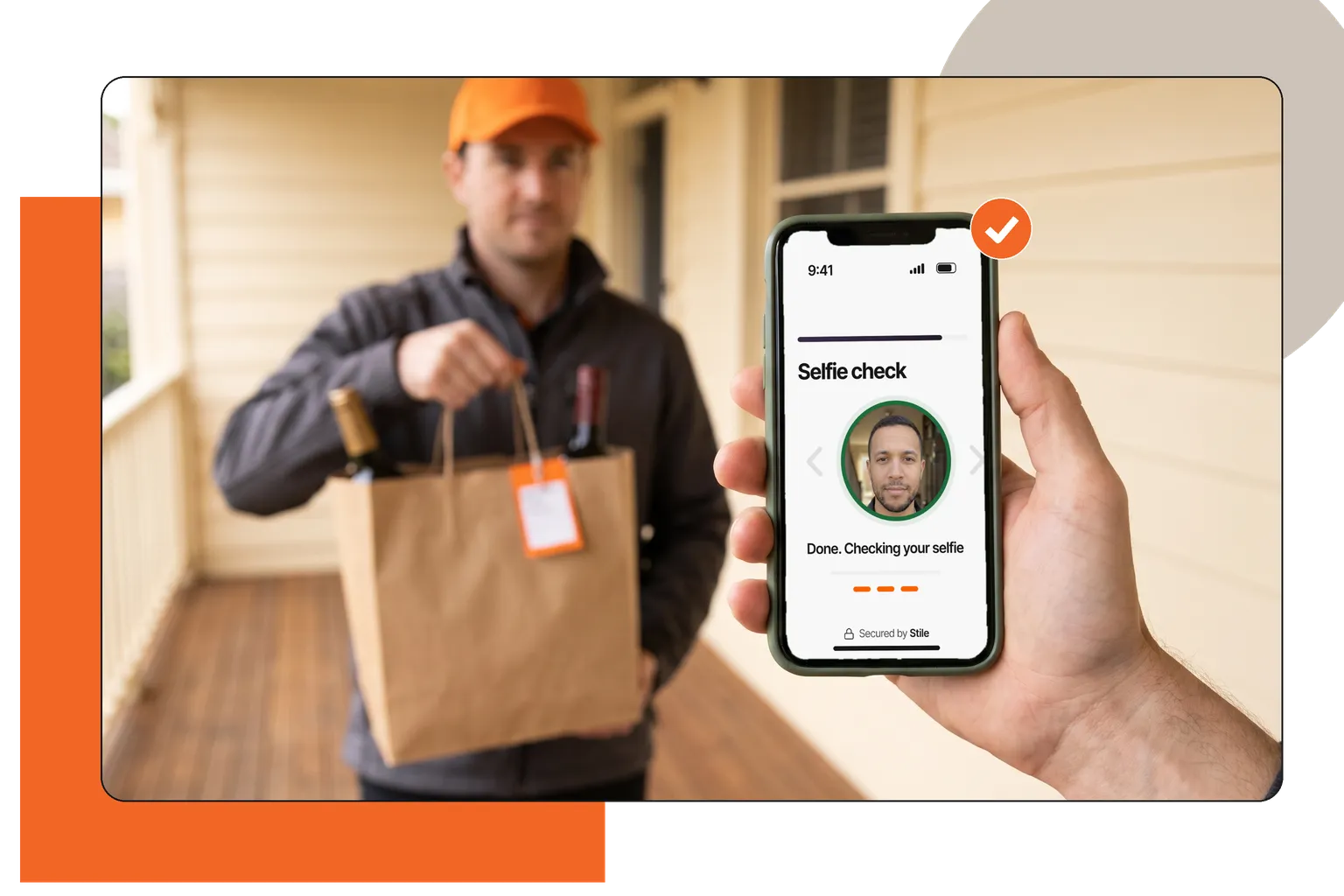
Alcohol delivery, at the door
- The check
- Before the bag is handed over
- On the customer's own phone
- Usual minimum age: 21
Age verification
Age verification software confirms that a customer meets a minimum age before a sale. Stile gives online shops that sell age-restricted products a quick, well-designed age check at checkout, using a government ID or a mobile ID. You get a signed answer, not a copy of the ID.
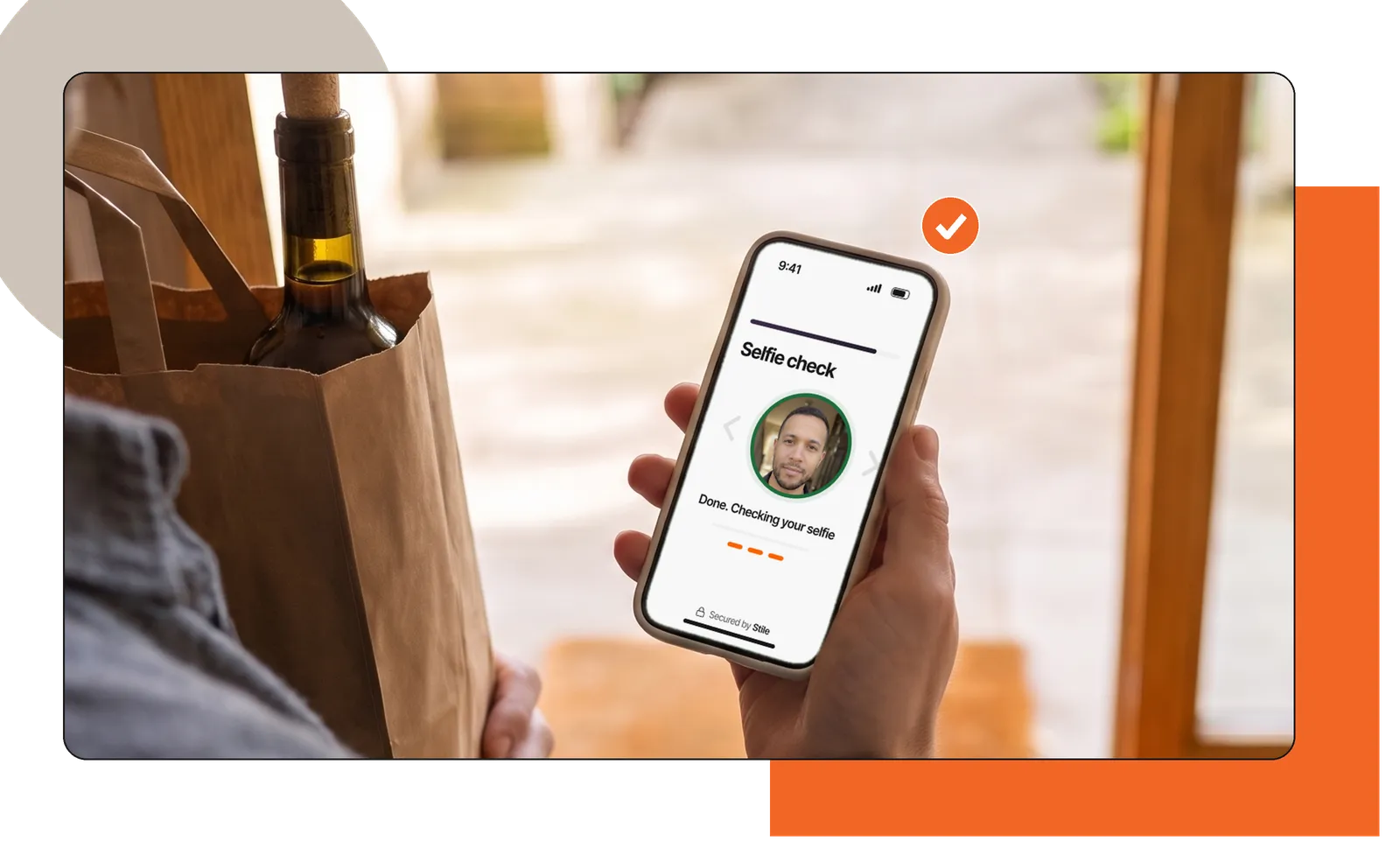
Anywhere a customer buys something the law limits by age. Four common moments.
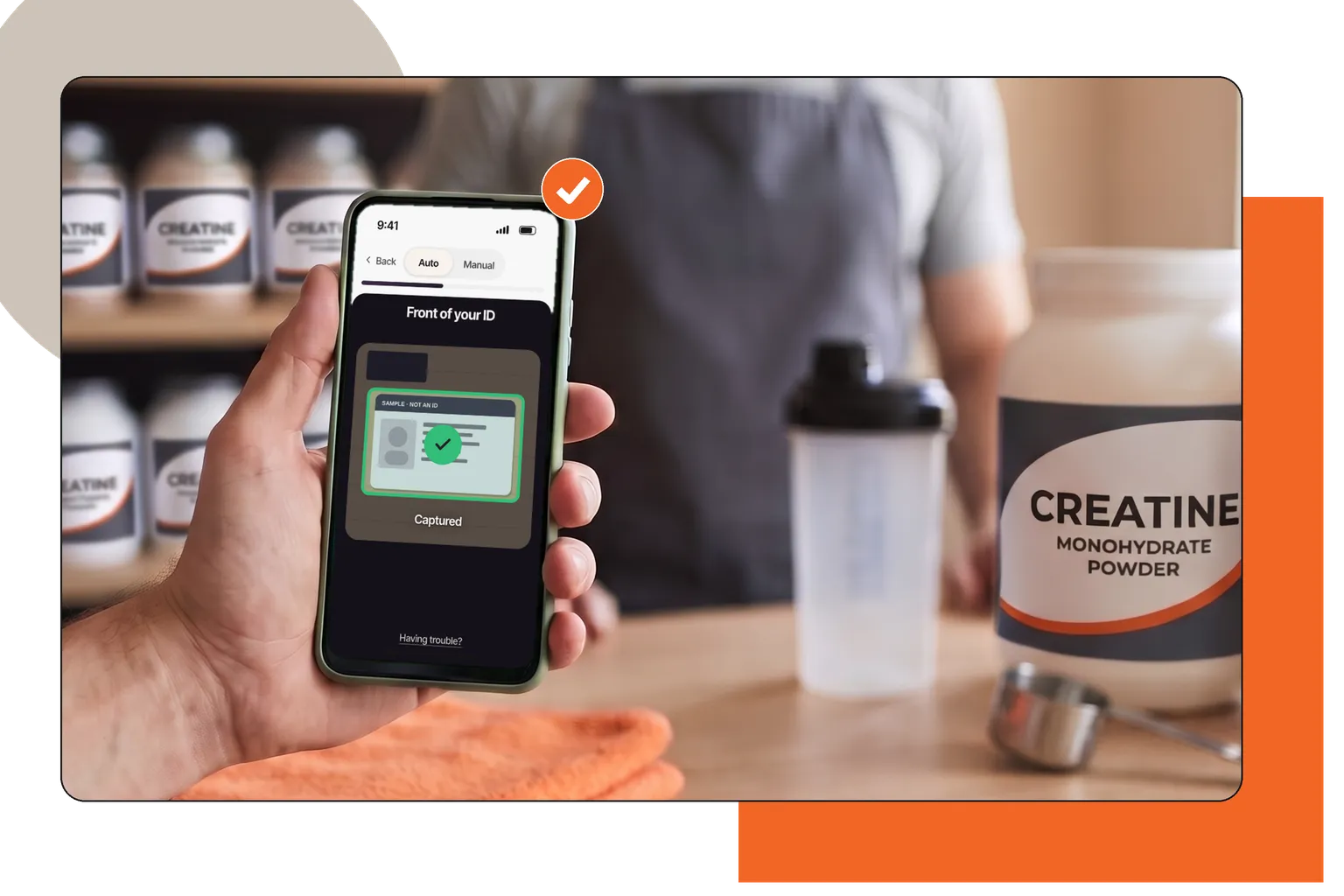
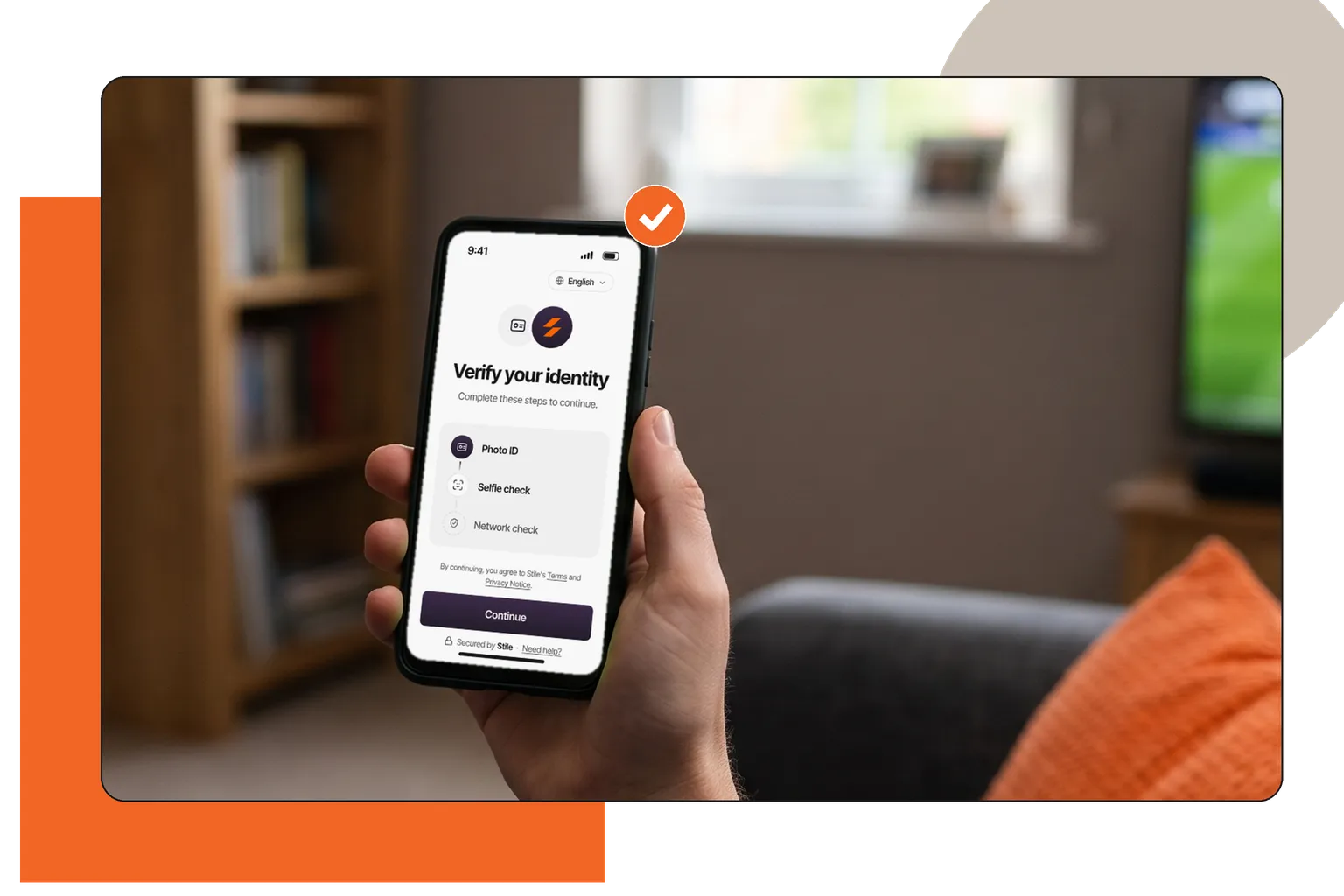
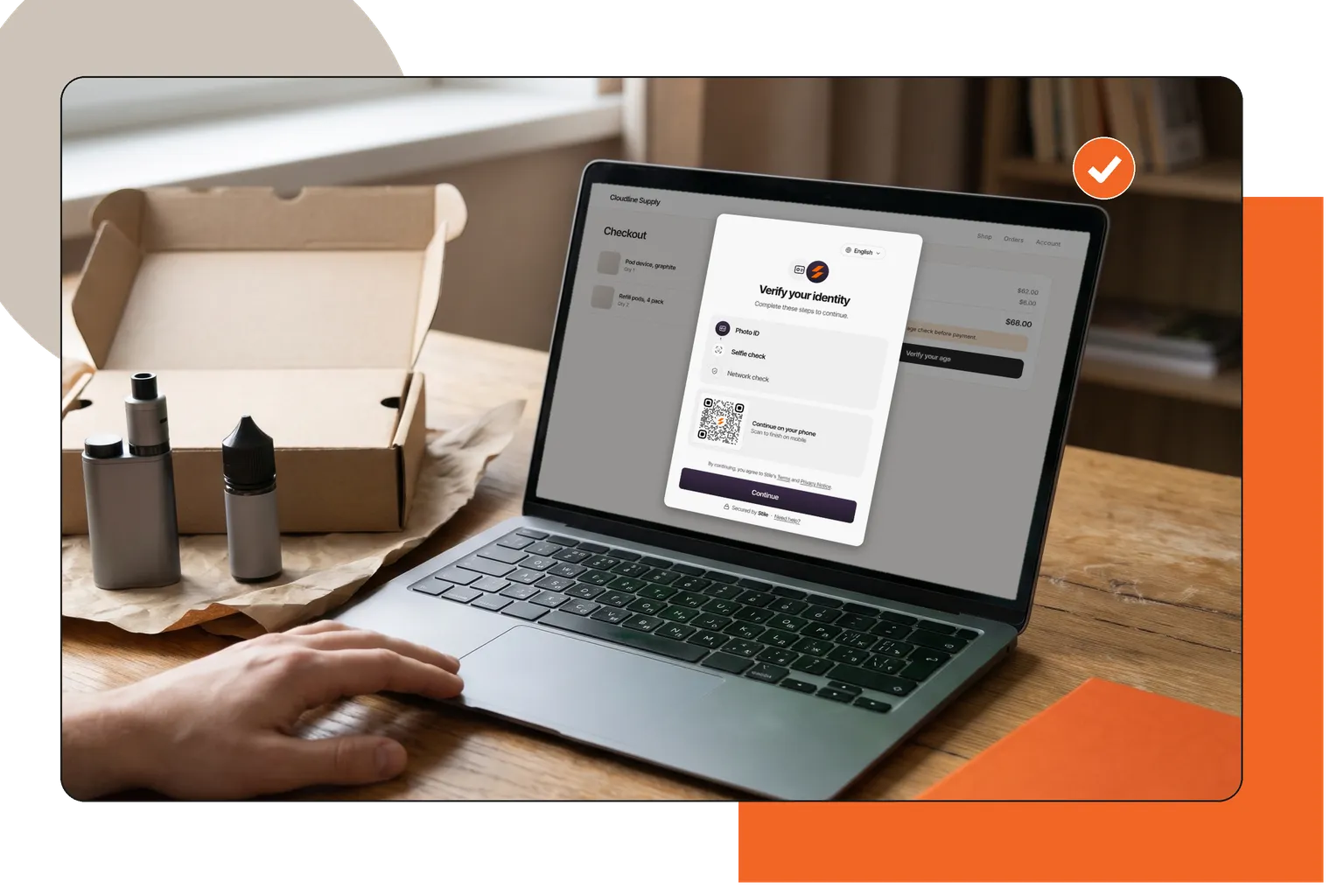
Online stores
Selling age-restricted products should not mean a clumsy checkout. Stile adds a quick, well-designed age check to your store. Customers finish their order in about a minute, and you have a record that each check was done.

Install the app, pick the products that need a check, and it runs in your checkout. No code.
Add the plugin to a WooCommerce store and the age check appears at checkout.
Use the Stile API or the hosted check page to add the same check to any checkout.
Shopify app
Leave your email and we will tell you when there is news about the Stile app for Shopify: launch dates, setup guides and new features.
Enter your email to join the list.
For your customer it takes a phone and their ID.
At checkout, sign-up or pickup. The customer continues on their own phone or computer, with no app to install.
A photo of the front and back of the card, or a mobile ID shared from their phone wallet.
The selfie is compared with the ID photo, and a liveness check confirms a real person is there.
Whether the minimum age was met, which age was checked, and a signature proving it came from Stile.
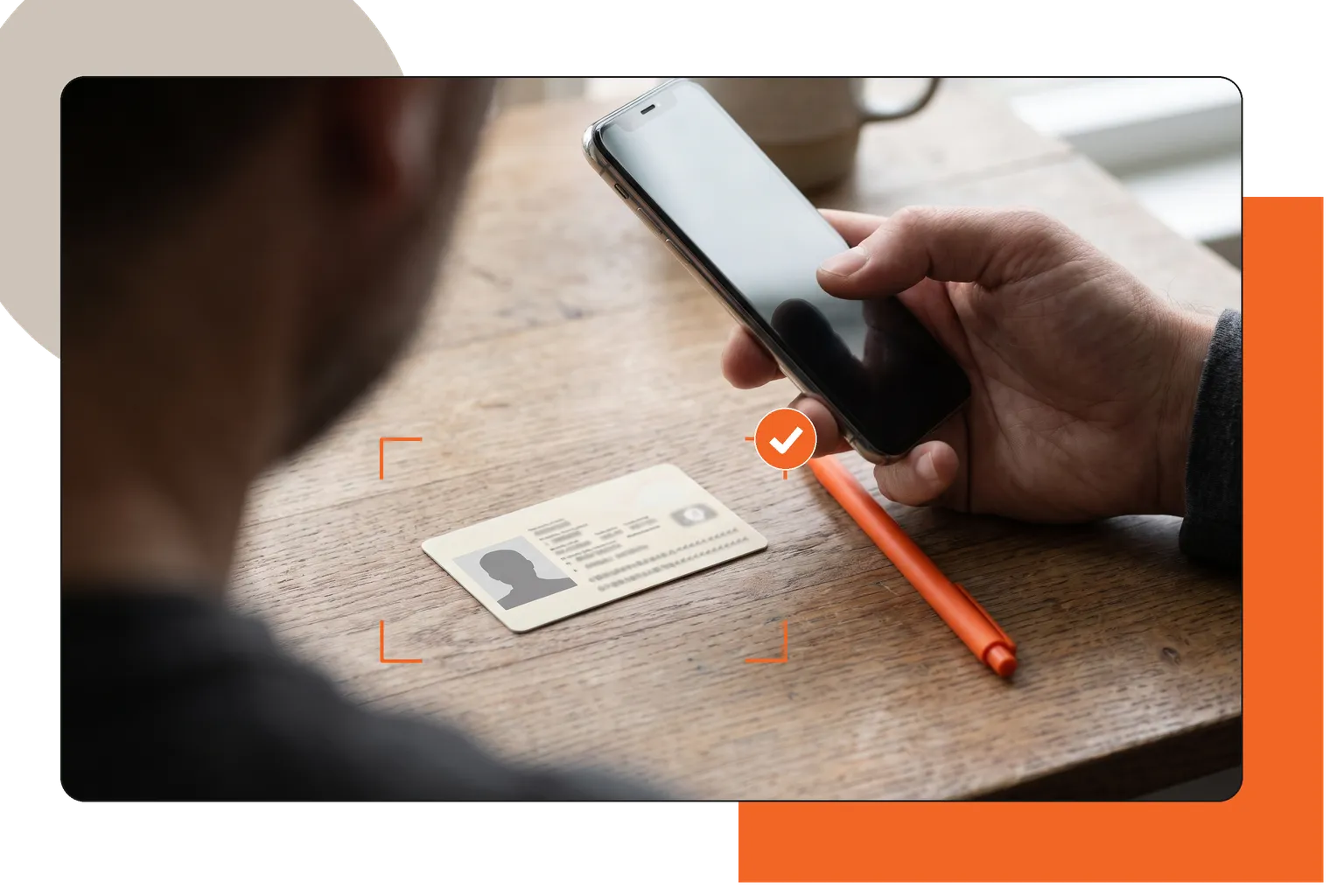
Methods
You choose how strict the check is. Every age result comes from a government ID. Stile does not estimate age from a face.
Stile reads the ID, checks it for signs of a fake and works out the age from the date of birth. IDs from all 50 US states and dozens of other jurisdictions.
The selfie is matched to the ID photo, and a lab-tested liveness check confirms a real person is at the camera. A photo of someone older will not pass.
The customer shares their state-issued ID from their phone wallet. It takes a few taps, and there is no glare or blurry photo to retake.
How the ID and selfie checks workHow liveness detection works
Mobile ID · Beta
A mobile ID is a driver's license or state ID stored in a phone wallet. The wallet shows the customer exactly what will be shared and asks them to approve it. For an age check, that is whether they are over the required age, and their ID photo.
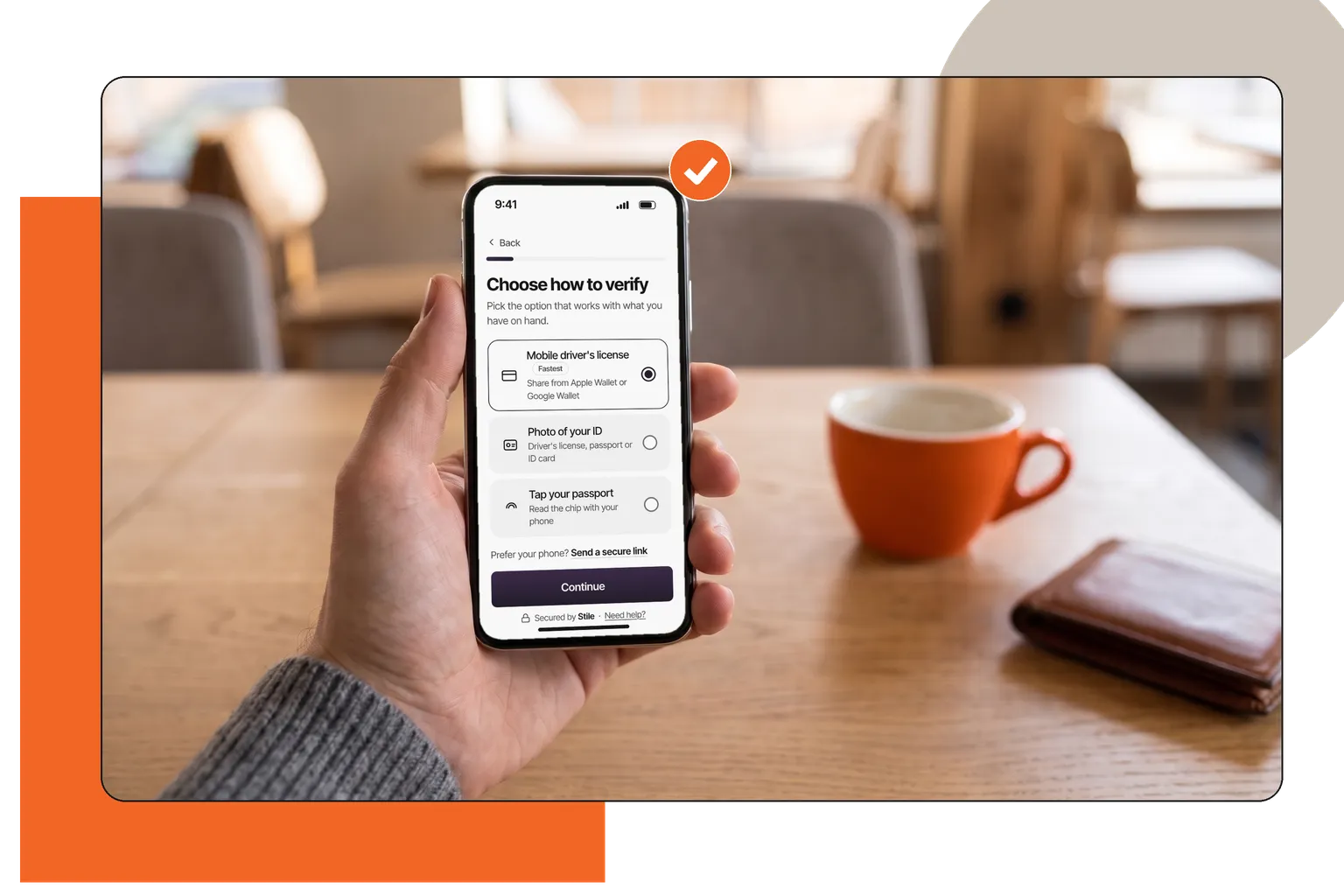
Whether the customer is over the required age, yes or no, and the photo from their ID.
Their name, address, date of birth and ID number stay in the wallet.
In beta, in states that issue a mobile ID, on phones that support it. Other customers scan their card instead.
Rules
The age you must check depends on the product and the state. Stile keeps a set of US rules, by product type, for all 50 states and Washington, DC. Tell Stile what you sell and which state the customer is in, and it checks against the matching age. If you send no state, it uses the US-wide rule for that product.
The US starting point for alcohol, tobacco and nicotine, cannabis and online gambling. Some states set their own age.
The age set by state age verification laws for adult websites, such as Texas HB 1181 and Florida HB 3.
The rules are a starting point, not legal advice. Your team decides who can buy, and can ask for a stricter check.
Result
To enforce an age rule, your system needs to know one thing: did this person meet the minimum age? That is what Stile sends back, signed so you can confirm it came from Stile.
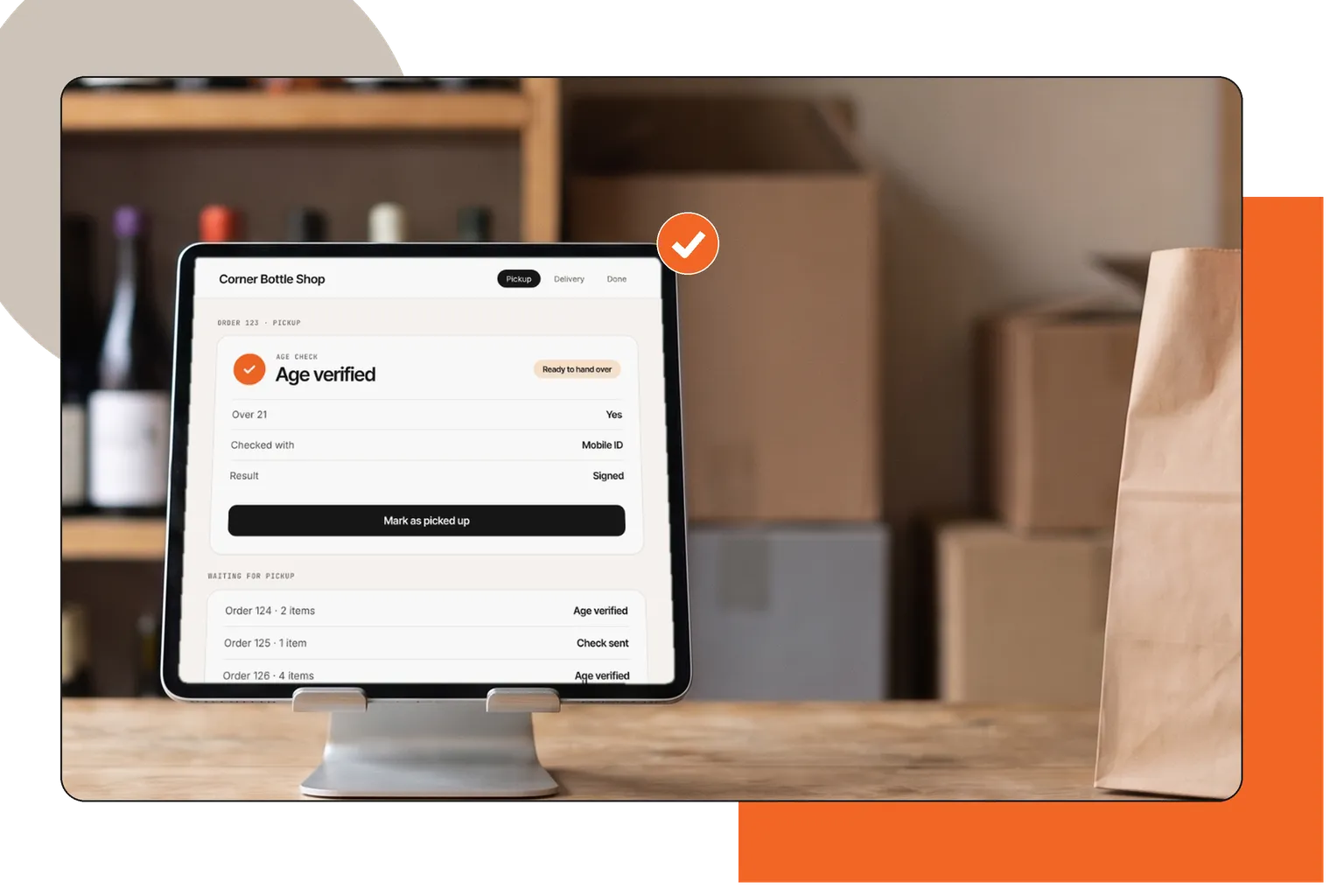
Whether the minimum age was met, which age was checked, the person's age in whole years, and when the check ran.
The result does not include the photo of the ID, the selfie or the date of birth.
Raw ID images and biometric captures are deleted on completion by default; signed outcomes and hashed anchors may persist for audit.
For developers
Paste one element where the sale happens. Stile hosts the age check and sends your system the result. Running Shopify or WooCommerce? Use the plugin instead.
<script
  src="https://js.stile.id/v1/stile.js">
</script>

<stile-frame
  mode="modal"
  session-url="/api/start-verification">
</stile-frame>
Checkout
Order total$68.00
Verify with
HTMLA script tag and one element.
POST /v1/verification_sessionsFrom your backend.
Signed webhookYour system acts on it.
Choosing a provider
An estimate from a selfie is quicker but less exact near the age limit. Check which one your rules accept.
Ask what is deleted, when, and what is kept for your records.
It changes by product and by state. Ask whether the service applies it or leaves it to you.
You need a clear yes or no on age, and a way to confirm the result is real.
Software that confirms a person meets a minimum age before a sale, a delivery or access to a service. It is used for products such as alcohol, tobacco and cannabis, and for adult websites.
The customer takes a photo of their government ID, or shares a mobile ID from their phone. The software reads the date of birth, checks that the ID is genuine and compares the age with the minimum you require. Some checks add a selfie to confirm that the ID belongs to the person holding it.
Driver's licenses, state ID cards and passports, from all 50 US states and dozens of other jurisdictions, plus mobile IDs from a phone wallet. You choose which types you accept.
Yes. A customer with a mobile driver's license or state ID in Apple Wallet or Google Wallet can share it instead of scanning a card. It depends on the state, the wallet and the device. How digital ID verification works.
Whether the customer is over the required age, and their ID photo. Their name, address and date of birth are not shared. The wallet shows the customer what will be shared before they approve it.
No. Stile does not guess age from a face. Every age result comes from the date of birth on a government ID.
Only if you ask for one. An ID scan alone shows the age on the ID. Adding a selfie confirms that the ID belongs to the person holding it. How the liveness check works.
The liveness technology Stile uses was tested by iBeta to ISO/IEC 30107-3 presentation attack detection Level 1 and Level 2 in 2023. The result applies to the tested setup. What the levels test.
A signed result that says whether the minimum age was met, which age was checked and when. It does not include the ID photo, the selfie or the date of birth. How Stile handles data.
It depends on the product and the state. Stile keeps a set of US rules by product type for all 50 states and Washington, DC. Treat it as a starting point, not legal advice. US age verification rules by state.
$0.25 per check, with 1,000 free checks every month. See pricing.
Yes. Stile has an app for Shopify and a plugin for WooCommerce, so you can add age checks without writing code. Any other store can use the Stile API or the hosted check page. Talk to us about your store.
Start a check from your server, send the customer to it, then act on the signed result. See the integration guide.
We keep comparisons off this page. See age verification software compared.
Get started
1,000 free checks every month. No credit card needed.