
Example Bottle ShopSan Francisco delivery

Botanical spirits
Botanical gin
750 ml · 43% ABV
Small-batch dry gin
$46.00Add to cart
Give users a faster way to prove who they are using an mDL from their digital wallet. Stile handles the credential exchange and returns a signed result your product can act on. Get higher confidence identity checks, collect less personal data, and avoid complex integrations.
Example Bottle Shop adds botanical gin and tonic water to a $54 order. Only the gin requires an age check. Checkout asks the shopper to verify with Stile before payment.
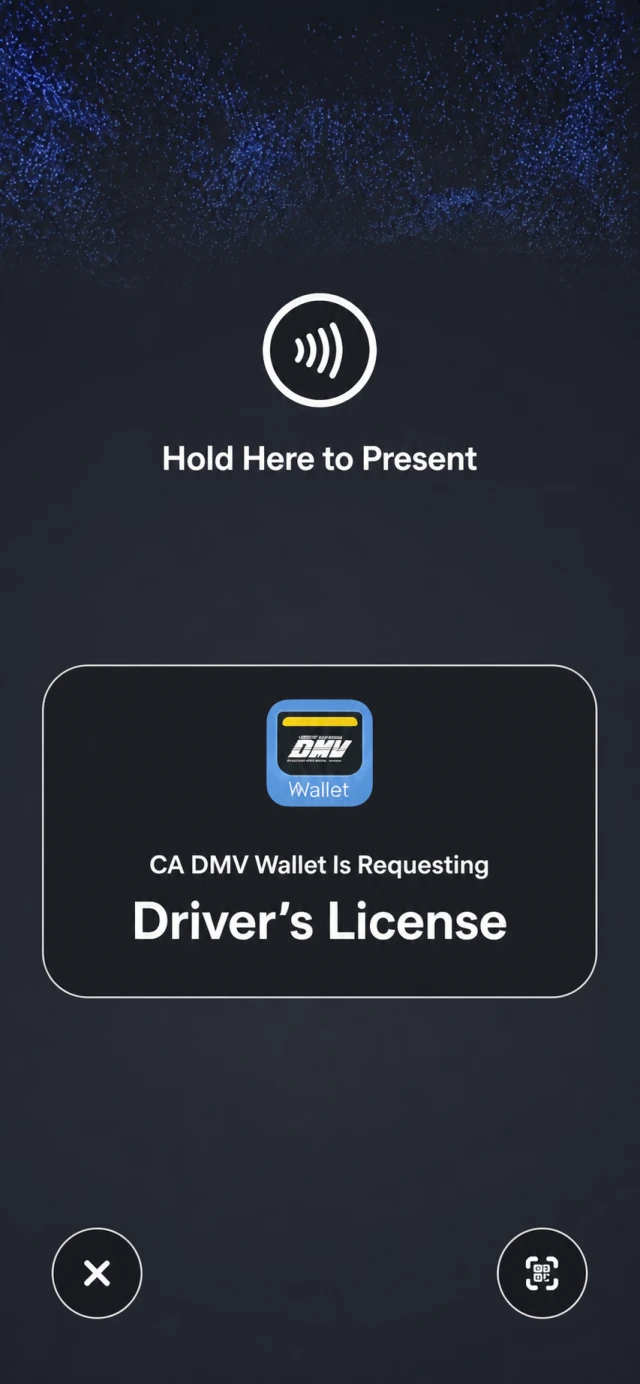
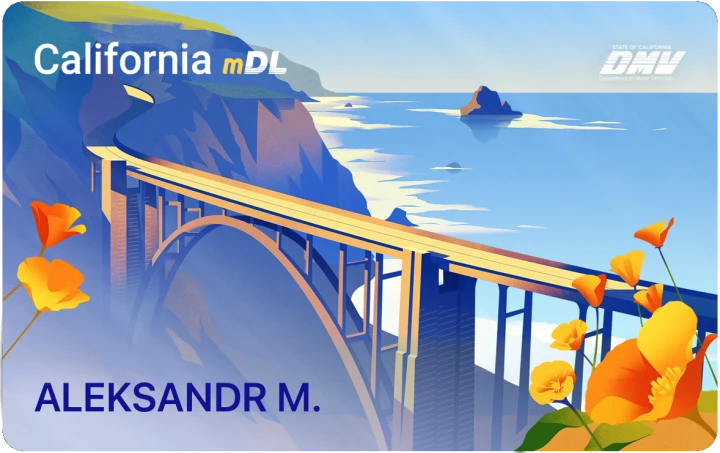
An illustrative California Wallet prompts the shopper to present a mobile ID to Example Bottle Shop. The shopper confirms with a hold gesture. The final frame highlights age-over-21 evidence and California credential context, then shows a Sent to Bottle Shop receipt.
Stile returns a low-risk assessment, an advisory Allow recommendation, and signed evidence. Example Bottle Shop's policy makes the final transaction decision and selects Approve.
Add mDL verification to your website or app. Your customer shares from a compatible wallet; your server receives the result.
Enable mDL in your Stile workflow. Create a session from your server and associate it with the customer, account, or transaction in your application.
Your customer opens a compatible wallet, reviews the requested information, and approves sharing. Supported desktop flows let them continue on their phone.
Stile handles the OpenID4VP exchange and checks device authentication against the verification session.
Verify the webhook signature and match the result to your session. Process each event once, then apply your own rules for access, approval, or review.
The customer experience
Customers with a supported mDL can share the requested information without photographing their physical license.
Customers open their wallet, review the request, and approve sharing. They do not need to photograph the front and back of their physical license.
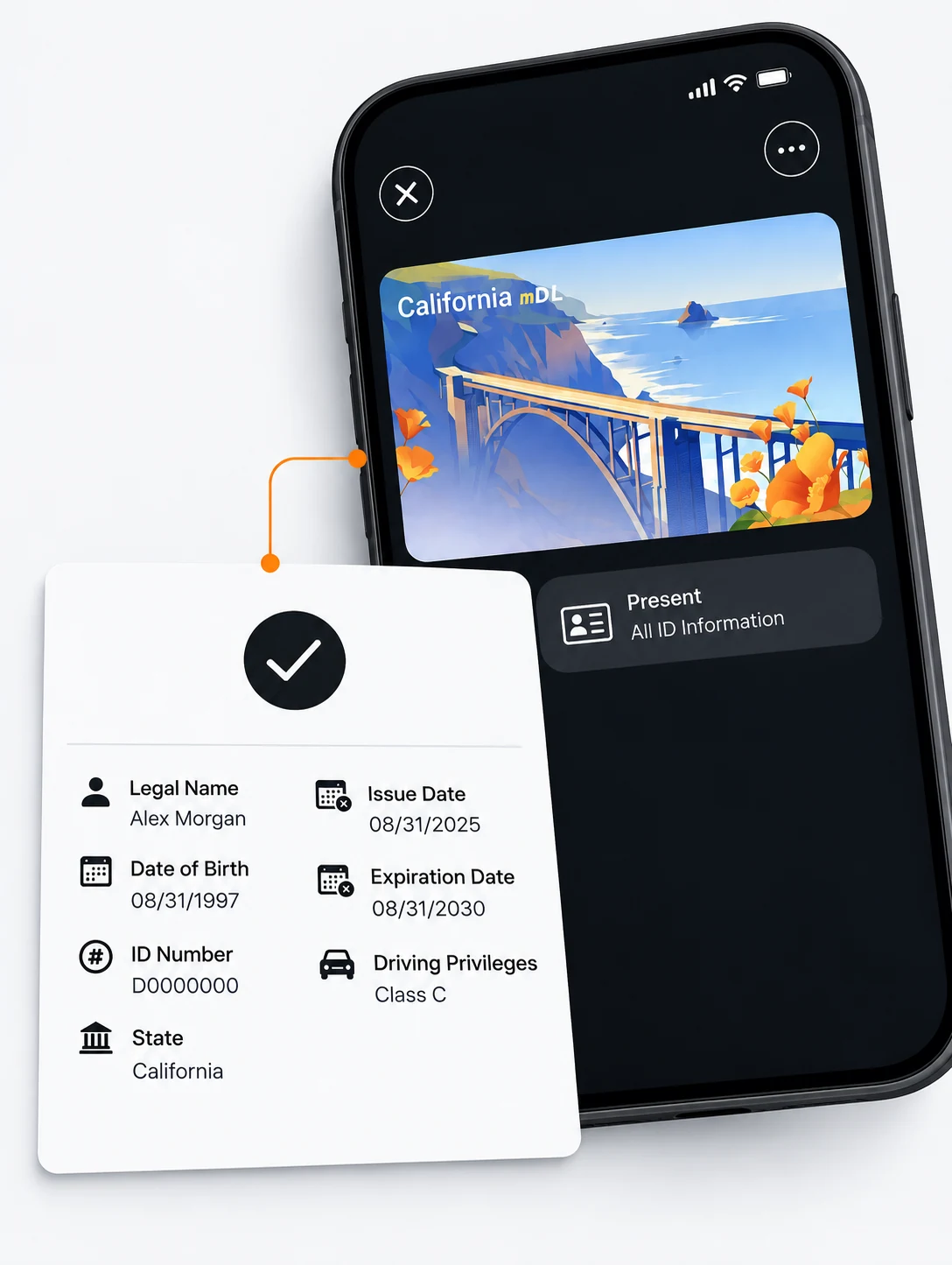
An mDL can support sharing selected attributes instead of an image of the whole license. What is requested and shared depends on the wallet and configured verification flow.
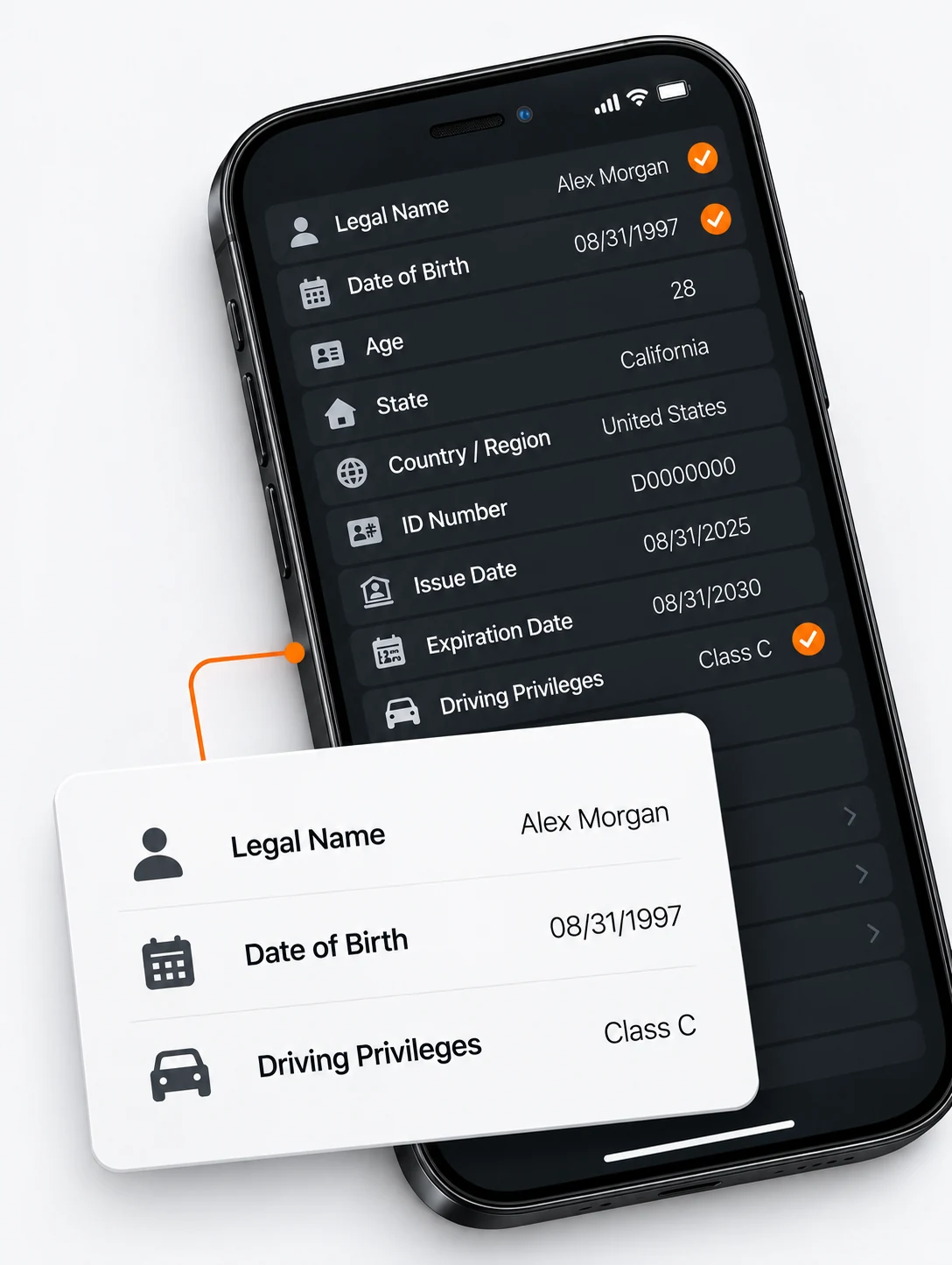
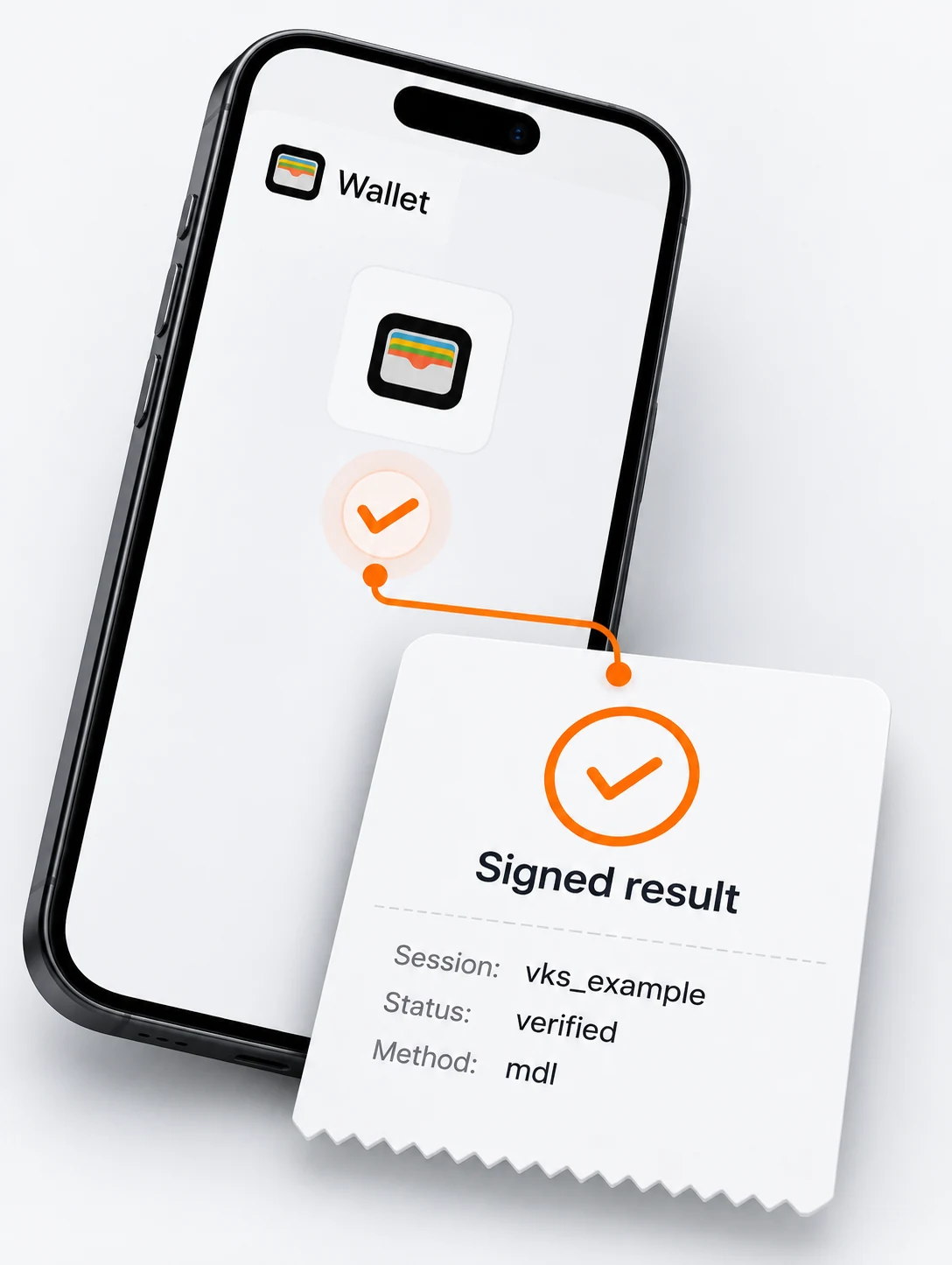
Stile processes the wallet response and sends a signed verification event to your server. Match it to the customer or transaction that started the session.
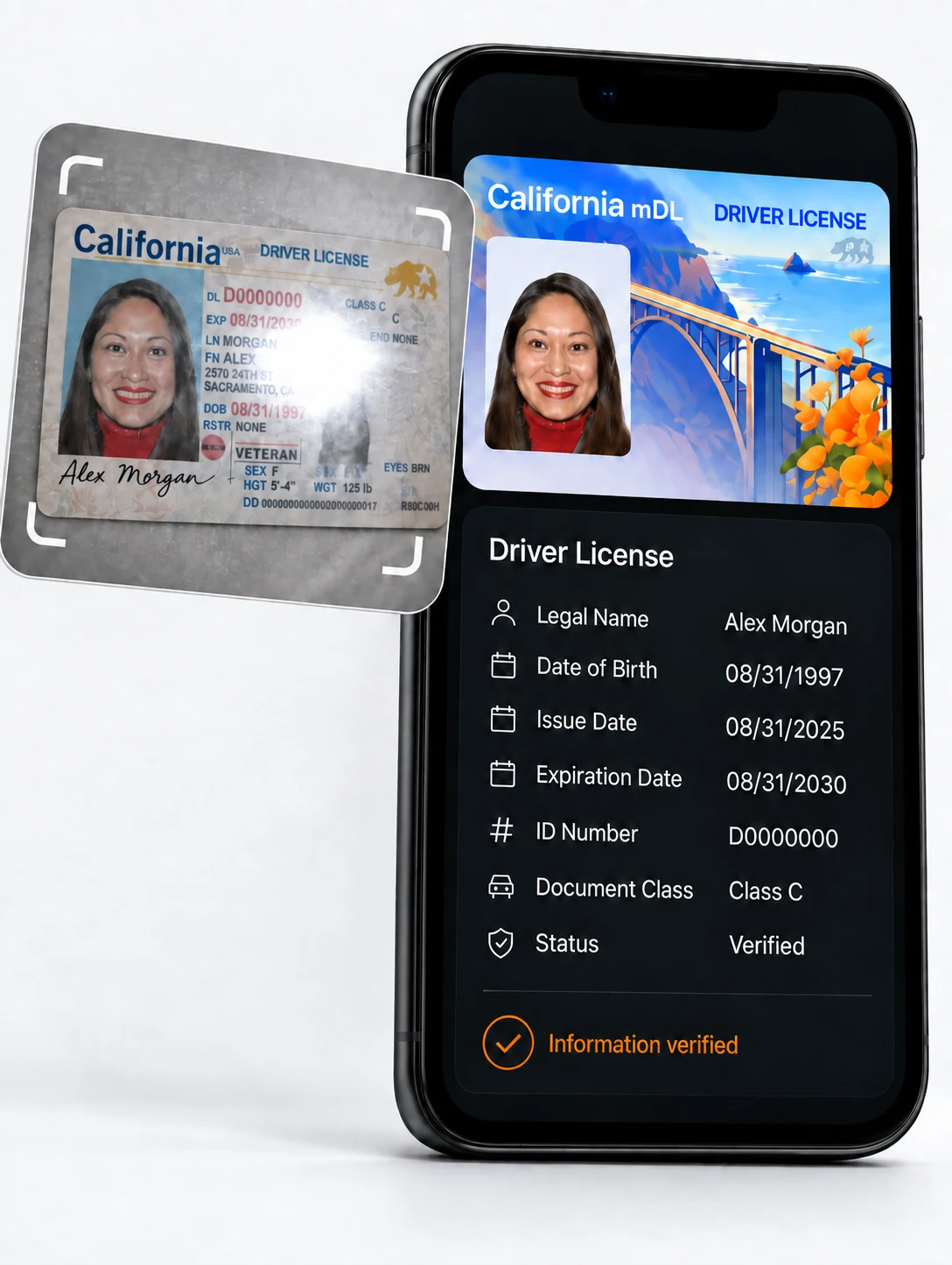
Glare, blur, and poor lighting can make a physical license difficult to photograph. An mDL flow receives data from the wallet instead of extracting it from a document image.
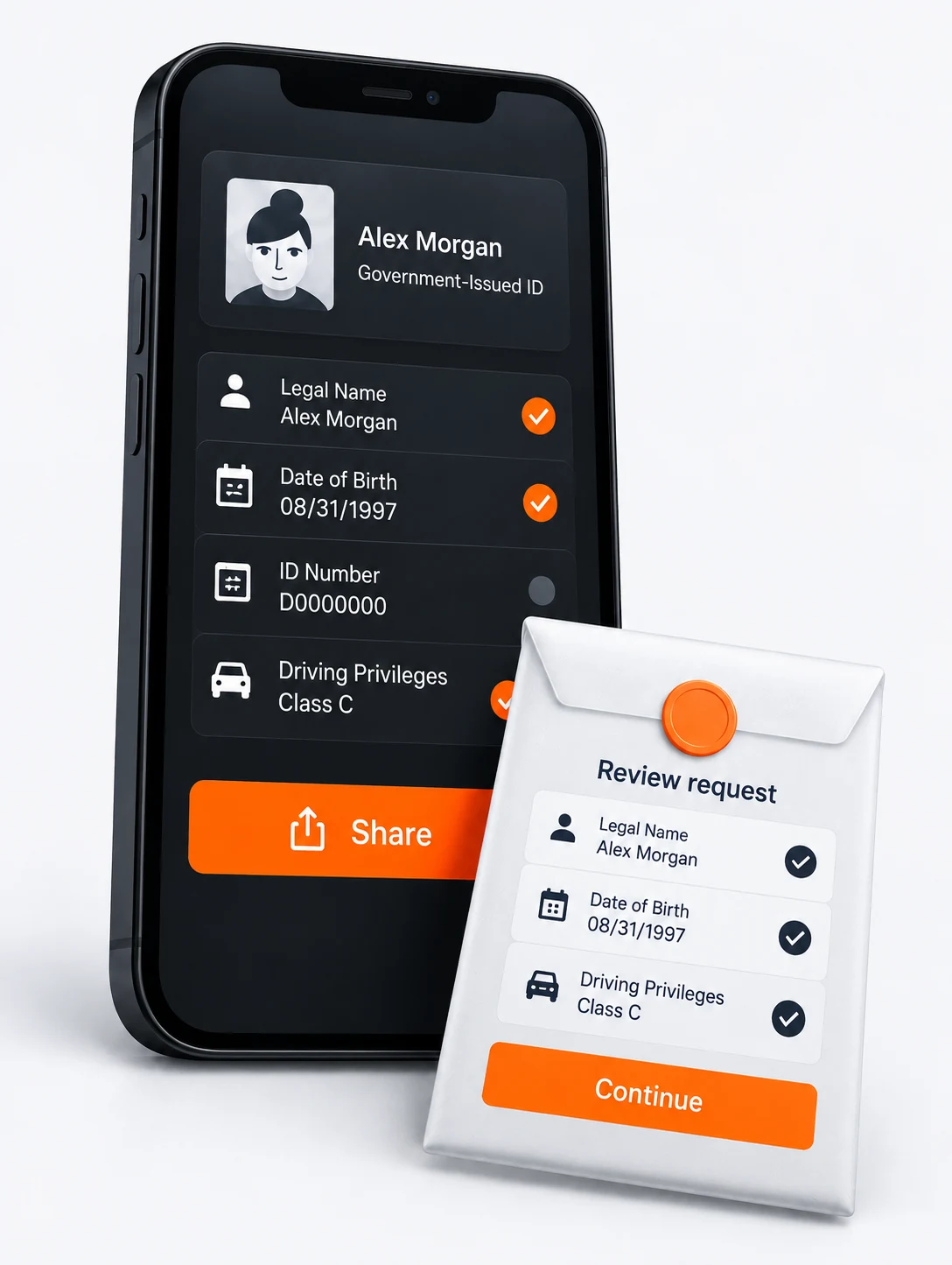
The customer reviews the requested information in their wallet before approving the exchange. Data handling also depends on the wallet, verification flow, and your application’s practices.
mDL API
Stile sends your server a signed webhook with the verification status, session ID, and your transaction reference. Use those fields to connect the mDL result to the right customer, account, or order.
The webhook does not include raw captured ID evidence. Verify its signature and match it to the original session before your application decides whether to continue, decline, or request review.
Read the quickstart Explore the event schemaUS mDL adoption
Mobile driver’s licenses are issued state by state. The map highlights issuing states, so you can assess whether customers in your target markets may have an mDL.
A state issuing mobile licenses does not mean every wallet works with your integration. Check the wallet, device, browser, and Stile workflow you plan to offer.
Start with the states and devices your customers use. Confirm that their wallets can complete your Stile flow, and offer another method when mDL is unavailable.
Review Apple’s participating jurisdictions and device requirements. Apple Wallet is not currently available as a standalone Stile workflow method, so confirm a supported integration route before planning your launch.
Check Google Wallet’s ID availability or the issuing state’s wallet guidance. Then test the wallet and device combinations you expect customers to use with Stile.
Configure an alternative, such as document capture, so customers without a compatible wallet can complete verification. Review Stile’s verification methods when choosing that path.
Compare the hardware used for in-person checks with the online flow you can add to your website or app.
At a store or service desk, a compatible mDL reader or scanner connects to the customer’s nearby phone. The customer reviews the request in their wallet and approves sharing information from their license.
Your server starts a verification session. The customer approves sharing from a compatible wallet, and Stile returns the outcome through a signed webhook. Supported desktop flows let the customer continue on their phone.
Compliance and security
Ask only what the decision requires. Stile returns a clear result without sharing raw ID data.
Customer sees
Required before this order can be completed.
The retailer receives the age result, not the ID.
Use Cases
Use mDL verification before onboarding someone, restoring account access, or completing a handoff. Your application decides whether the result meets the requirements for that action.
Request an identity check from the person joining your vendor onboarding process.
BenefitsUse the result alongside your business and authorization checks.
Ask the person requesting access to complete an identity check.
BenefitsUse the result alongside your account ownership and recovery checks.
Ask a prospective participant to complete an identity check before enrollment.
BenefitsApply your study’s eligibility rules separately.
Request an identity check before pickup, then use the result in your reservation and handoff process.
BenefitsYour rental system decides whether to release the vehicle.
Before you integrate
Yes, if you configure another verification method. Offer document capture or another supported path for customers whose wallet or credential cannot complete the mDL flow.
No. Stile returns the verification outcome. Your application applies its own rules for access, eligibility, or approval.
That depends on your use case and policy. Some workflows need an additional check that the person is live or matches a reference photo; configure those checks separately when required.
FAQ
Wallet, issuer, and schema support change frequently. See the documentation for current coverage and event details.
An mDL is a government-issued digital driver’s license held in a compatible mobile wallet. It lets a customer share identity information from the wallet without scanning a physical card.
Yes. On desktop, Stile can hand the request to a supported mobile wallet, typically with a QR code, so the user reviews and shares from their phone.
Your backend receives a signed verification event with the session outcome and the identifiers needed to match it to the correct user or transaction. Review the event schema and webhook signature guide before acting on the result.
Stile does not send raw captured evidence or collected personal data in the webhook. Retention varies by data type, workflow, and applicable policy: captured document evidence is purged after a final decision, while verification outcomes and sensitive hashed anchors may persist. See Data Retention & Privacy for details.
An mDL can replace photographing a physical license in a supported verification flow. It does not automatically replace liveness or face match. Configure additional checks when your use case and policy require them.
Stile is US-first. Wallet availability varies by issuer, state, device, and configured workflow. See the verification methods guide for current method availability and device requirements.
Create a workflow, start a verification session from your server, add the hosted Stile widget, and act only on the signed webhook result. The quickstart walks through the full integration.
Tell us where you need to verify customers. We’ll walk through wallet compatibility, the online verification flow, and an alternative for customers without an mDL.



 Apple Wallet
 Google Wallet