

Why Age Verification is Broken (And How to Fix It)
Why weak age gates can be bypassed, why real adults get stuck, and how to enforce age checks while collecting less personal data.
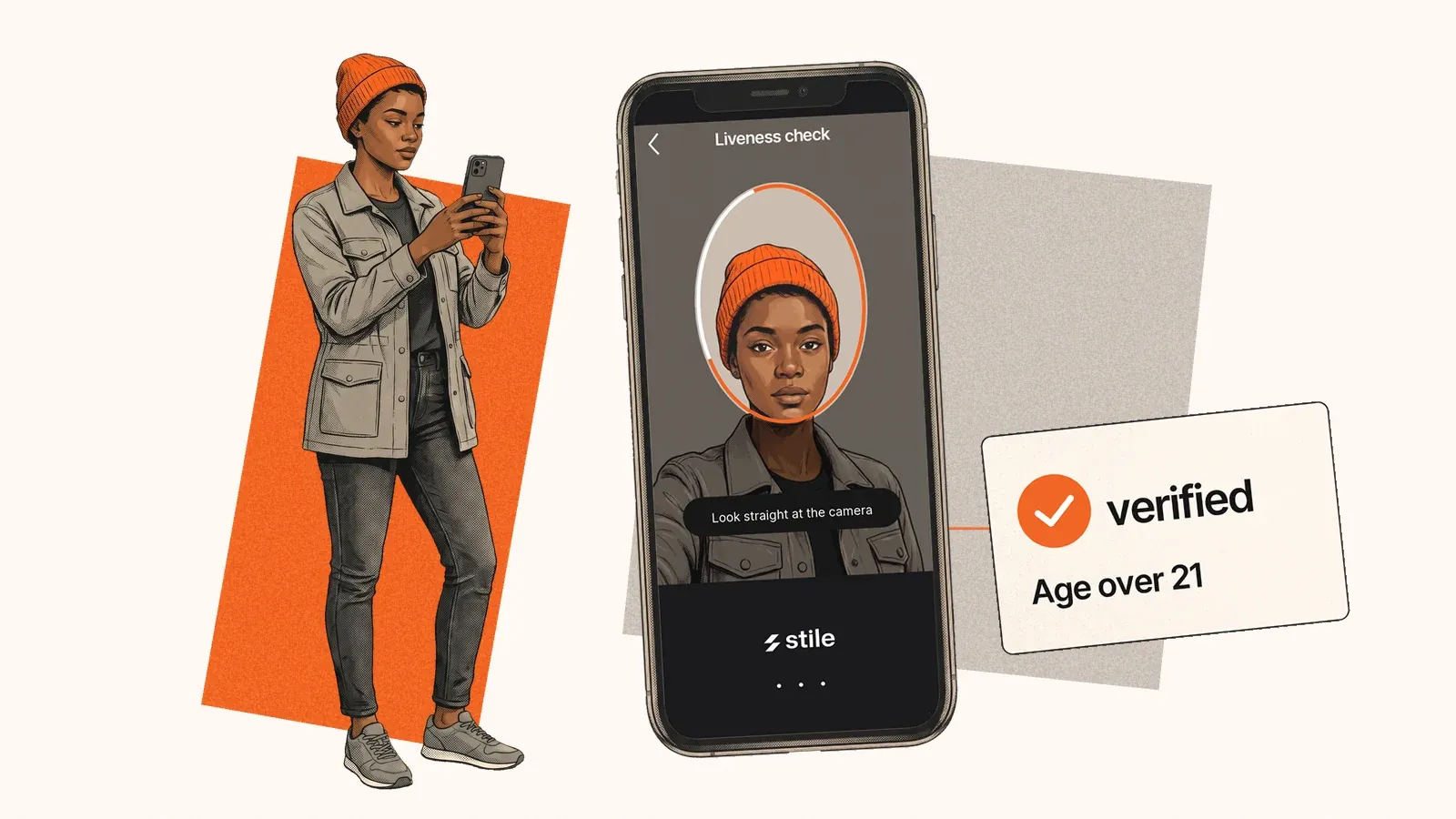
Age verification often fails the people it should help. Adults get stuck in retry loops. Weak gates let visitors click their way through. Strict checks can collect more personal information than an age question needs.
A better check has to do three things: confirm eligibility, enforce the result, and protect the person's data.
How people get around weak age checks
A “Yes, I'm 18” button depends on an honest answer. A date-of-birth field has the same weakness.
Some gates have another problem: the restriction exists only inside the visitor's browser. The open-source age-verification-bypass project describes a Firefox extension that removes overlays or rewrites browser-side responses so a page behaves as though verification succeeded. Its author reports different levels of support across services; those claims are not independent test results.
This illustrates an implementation failure, not proof that every age verification system can be bypassed. Hiding a popup is enough only when the underlying content or action remains available without a valid server-side decision.
For a platform, the fix is to enforce access on the server. Confirm the provider's result, bind it to the right account or session, and reject expired or reused results. A browser callback alone should never authorize restricted content or a purchase.
If you're an adult stuck on a check
Before retrying, check the basics:
- Use an accepted, unexpired document. Keep all four corners visible and avoid glare.
- Take the selfie in good light and allow camera access.
- Check that your account details match the document.
- Try your phone if your computer lacks a usable camera.
If you've reached a retry limit, contact support and ask for another accepted method or a review. Our verification failure guide covers recovery in more detail.
Prove age without keeping a copy of someone's life
A business asking whether someone is over 18 or 21 usually needs an eligibility decision. Holding their address, document number and ID image creates a much larger data responsibility.
Separate the evidence from the result. A verifier can inspect an accepted credential and return the age threshold checked and the outcome. The business can act on that result while limiting the personal data it receives. Ask what the verifier retains, too: moving the upload to another company does not make retention disappear.
What a better flow looks like
- Offer a fallback. A supported digital ID, document check or review path helps adults who cannot complete the first method.
- Check the right threshold. The requirement depends on the product and market.
- Enforce the decision. Verify the result on your server before granting access or completing the restricted action.
- Limit retention. Define what is collected, why it is needed and when it is deleted.
Stile is built around this approach: verification methods suited to the workflow, a QR handoff when someone needs to continue on a phone, and signed results that a business can validate. Our data retention guide explains what persists after a check.
No check prevents every misuse, including someone sharing an already verified account. Start by fixing the avoidable failures: browser-only gates, unnecessary data collection and dead ends for legitimate adults.
See how this works with Stile age verification.
Frequently asked questions
Why does age verification keep failing?
Usually a document photo that can't be read (glare, blur, cropping), a selfie in poor light, an expired or unsupported ID, details that don't match your account, or a device without a usable camera. If fixing those and retrying doesn't work, contact the service, which controls the methods and any review.
What happens if I can't verify my age online?
Usually you can't use the age-restricted feature until you do. Many services offer more than one method, such as a different document or a mobile ID, or an appeal through support. Ask what alternatives the service accepts.
Why doesn't a "Yes, I'm 18" age gate work?
It relies on the visitor telling the truth, and the people it is meant to stop are the most likely to lie. Where a law requires age assurance, regulators increasingly reject self-declaration, including Ofcom under the UK Online Safety Act and the European Commission under Article 28 of the DSA.
Does age verification mean the website stores my ID?
It doesn't have to. With a verifier in between, the website can receive a signed decision and an age tier instead of the document image or date of birth. What the verifier keeps, and for how long, varies by provider, so it's worth asking.
Share this article